
Flatzem888
-
Posts
5390 -
Joined
-
Last visited
-
Days Won
67
Everything posted by Flatzem888
-
also this; If a Google Chrome user wants the ability to block or hide specific elements on a webpage, they have a few good alternatives: 1. Use the Built-In Chrome DevTools (No Extensions Required) Chrome has a native element-hiding feature built right into the browser: Press F12 (or right-click anywhere on the page and select Inspect). Click the Select Element icon at the top-left of the DevTools panel (or press Ctrl + Shift + C). Click the annoying element on the page to highlight its line of code. Press the H key on your keyboard while that line is highlighted in DevTools to toggle it invisible, or press Delete to remove it from the page temporarily. 2. AdGuard AdBlocker Extension AdGuard has a fully updated extension for Chrome that includes a dedicated Element Blocker. After installing, right-click any element on a page and select AdGuard -> Block element on this page. An interactive selector pops up allowing you to preview and permanently hide that element. 3. Dedicated Element Hiding Extensions If you just want a small tool purely for cleaning up pages without a full ad blocker, several lightweight extensions are available in the Chrome Web Store: Element Blocker or Stylebot: Allows you to click elements to hide them or create custom visual rules for any website. Click to Remove Element: Adds a simple toggle button to your toolbar that lets you click and vaporize any unwanted box, banner, or pop-up on a page.
-
so found this out; on standard Google Chrome, the classic, full version of uBlock Origin cannot be newly installed from the web store because Google has phased out the older extension platform it relied on. Instead, Chrome features uBlock Origin Lite, which handles blocking differently and doesn't feature the exact same interface. and so if you want to use an extension that supports traditional element picking, you would need to use a browser that still fully supports the classic version, such as Mozilla Firefox or Chromium.
-
-
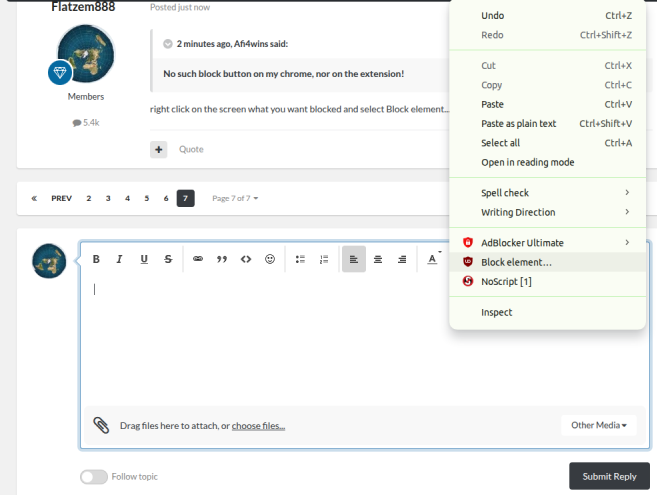
right click on the screen what you want blocked and select Block element... from the menu
-
right click on it and select block element, and do that several times until its completely gone
-
yes use a browser extension called uBlock origin and then block the elements on the screens you want removed.
-

Earn €5 Cash for Every Game Review You Write on AskGamblers
Flatzem888 replied to cocopop3011's topic in Paid Reviews
11. Rotten https://www.askgamblers.com/casino-games/online-slots/reviews/rotten-hacksaw-gaming 12. Jane Hunter and the Mask of Montezuma https://www.askgamblers.com/casino-games/online-slots/reviews/jane-hunter-and-the-mask-of-montezuma-pragmatic-play 13. John Hunter and the book of Tut Respin https://www.askgamblers.com/casino-games/online-slots/reviews/john-hunter-and-the-book-of-tut-respin-pragmatic-play 14. Kingdom of the Dead https://www.askgamblers.com/casino-games/online-slots/reviews/kingdom-of-the-dead-pragmatic-play 15. Rise of Giza Powernudge https://www.askgamblers.com/casino-games/online-slots/reviews/rise-of-giza-powernudge-pragmatic-play -
if they want to avoid a default judgment or a black mark on their licensing/accreditation
-
PlayNGo not working / missing
Flatzem888 replied to Gambini101's topic in Need help with a complaint?
I don't care much about playn'go, but book of dead is ok for some balance adjustments when a casino doesn't allow tree of riches or limits min bets. -
How long do you usually wait for a casino withdrawal?
Flatzem888 replied to LuckyDuckling's topic in Ask Gamblers
usually less than 24 hours but everything should be instant these days but sites need to do their checks. -
where are those screenshots?
-
19 reels yet you could only give the slot a max win of 1800x yikes

-
Earn €5 Cash for Every Game Review You Write on AskGamblers
Flatzem888 replied to cocopop3011's topic in Paid Reviews
06. Book of Museum https://www.askgamblers.com/casino-games/online-slots/reviews/book-of-museum-gameart 07. Surfin' Joker https://www.askgamblers.com/casino-games/online-slots/reviews/surfin-joker-gameart 08. Aladdin's Quest https://www.askgamblers.com/casino-games/online-slots/reviews/aladdin-s-quest-gameart 09. Dead Mouse Adventures https://www.askgamblers.com/casino-games/online-slots/reviews/dead-mouse-adventures-gameart 10. Dark Summoning https://www.askgamblers.com/casino-games/online-slots/reviews/dark-summoning-hacksaw-gaming -
Earn €5 Cash for Every Game Review You Write on AskGamblers
Flatzem888 replied to cocopop3011's topic in Paid Reviews
November. 01. 88 Riches https://www.askgamblers.com/casino-games/online-slots/reviews/88-riches-gameart 02. Dawn of Olympus https://www.askgamblers.com/casino-games/online-slots/reviews/dawn-of-olympus-gameart 03. Mariachi Fiesta https://www.askgamblers.com/casino-games/online-slots/reviews/mariachi-fiesta-gameart 04. African Sunset 2 https://www.askgamblers.com/casino-games/online-slots/reviews/african-sunset-2-gameart 05. Book of Cupigs https://www.askgamblers.com/casino-games/online-slots/reviews/book-of-cupigs-gameart -
Let's have some chit chat :)
Flatzem888 replied to ValDes's topic in Trivia, Quiz Games & Non-Gambling Talk
there is someone else with a serious obsession with the number 69 .... yikes -
his 2nd time first and both were this year and both in premium.
-
Mgm online issues
Flatzem888 replied to schrambo77's topic in Industry Gossip: Scandals, News, Rumours & Real Talk
you can do these things; submit a formal complaint via iGaming Ontario (iGO) file a regulatory complaint with the AGCO contact the bank; for the unauthorized debits occurring after account closure, you should contact their financial institution directly to put a stop-payment or file a formal dispute on those specific bank clearing codes -
Mgm online issues
Flatzem888 replied to schrambo77's topic in Industry Gossip: Scandals, News, Rumours & Real Talk
show some screenshots if you can so we can take a look -
check this out , enhanced.

-
Earn €5 Cash for Every Game Review You Write on AskGamblers
Flatzem888 replied to cocopop3011's topic in Paid Reviews
It happened today. -
Please Report Any Issues Here or Add Game Suggestions
Flatzem888 replied to cocopop3011's topic in Suggestions and Feedback
AG really needs to remove all those scrooge like character limits for reviews and suggest an edit... it's causing problems. trying to send a suggest an edit with only 100 characters yikes. also when there is some site change upgrade it would be nice if we would get an announcement of what has changed. -
well you don't have to worry about Lamabet, they are closing on Nov 1.
-
Warning: Do not play at 1xBet
Flatzem888 replied to yantidia40's topic in Sports Betting Sites Best & Worst
if it had been a 38 USD instead of 3800 USD amount they wouldn't have accused you of any multi accounting. -
I think if we shake things up by making some premiums (and non premium contests) be random draws, each 50x+ is worth 5 entries and maximum of 50 entries per member per draw.
-
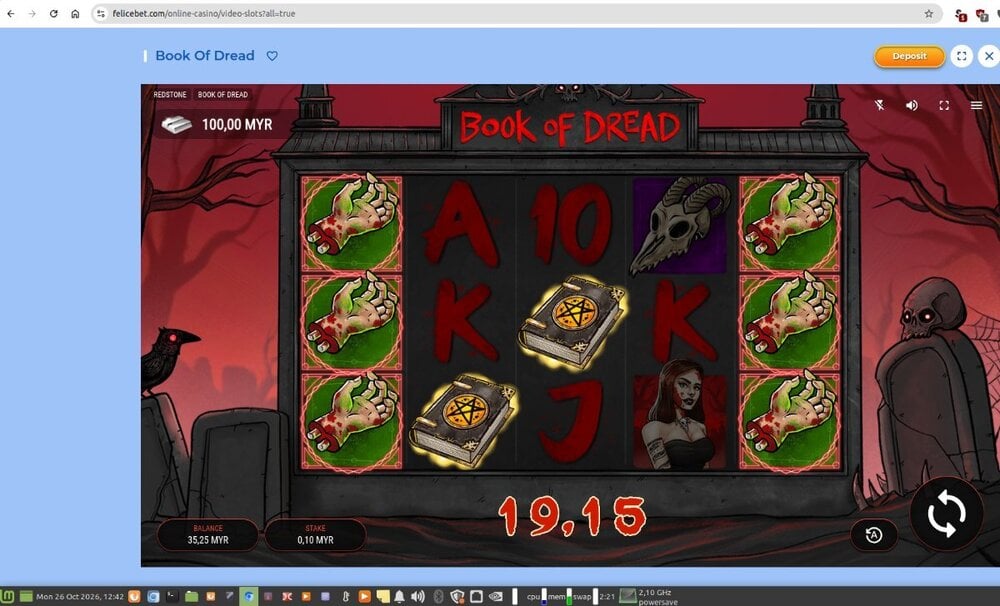
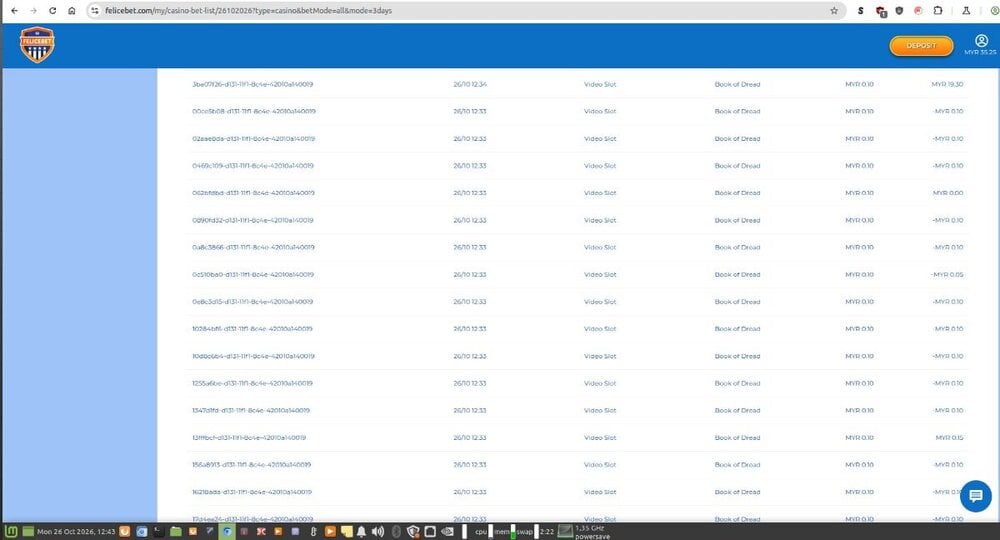
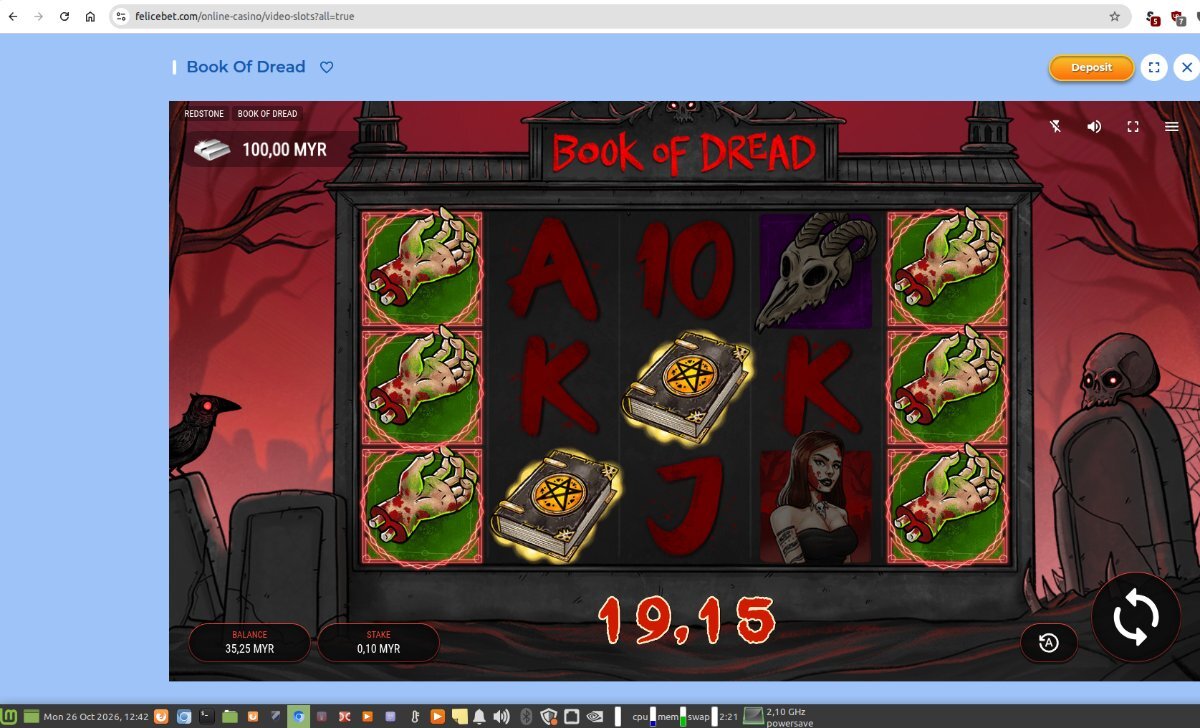
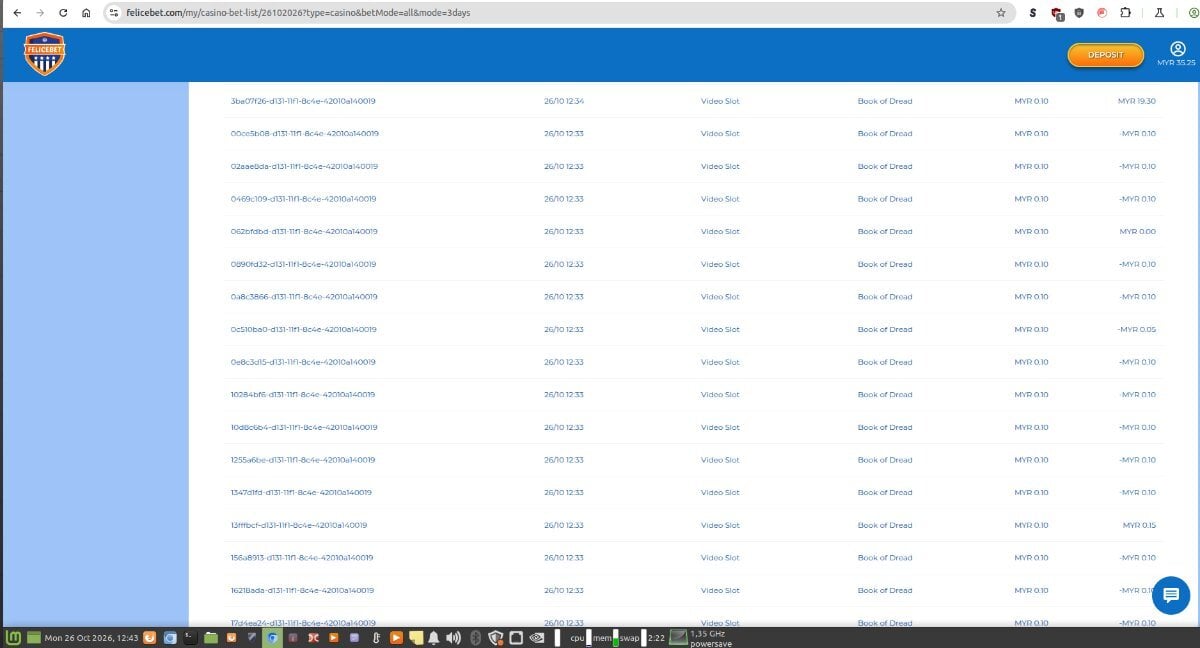
Book of Dread 191.5x (or 194x)